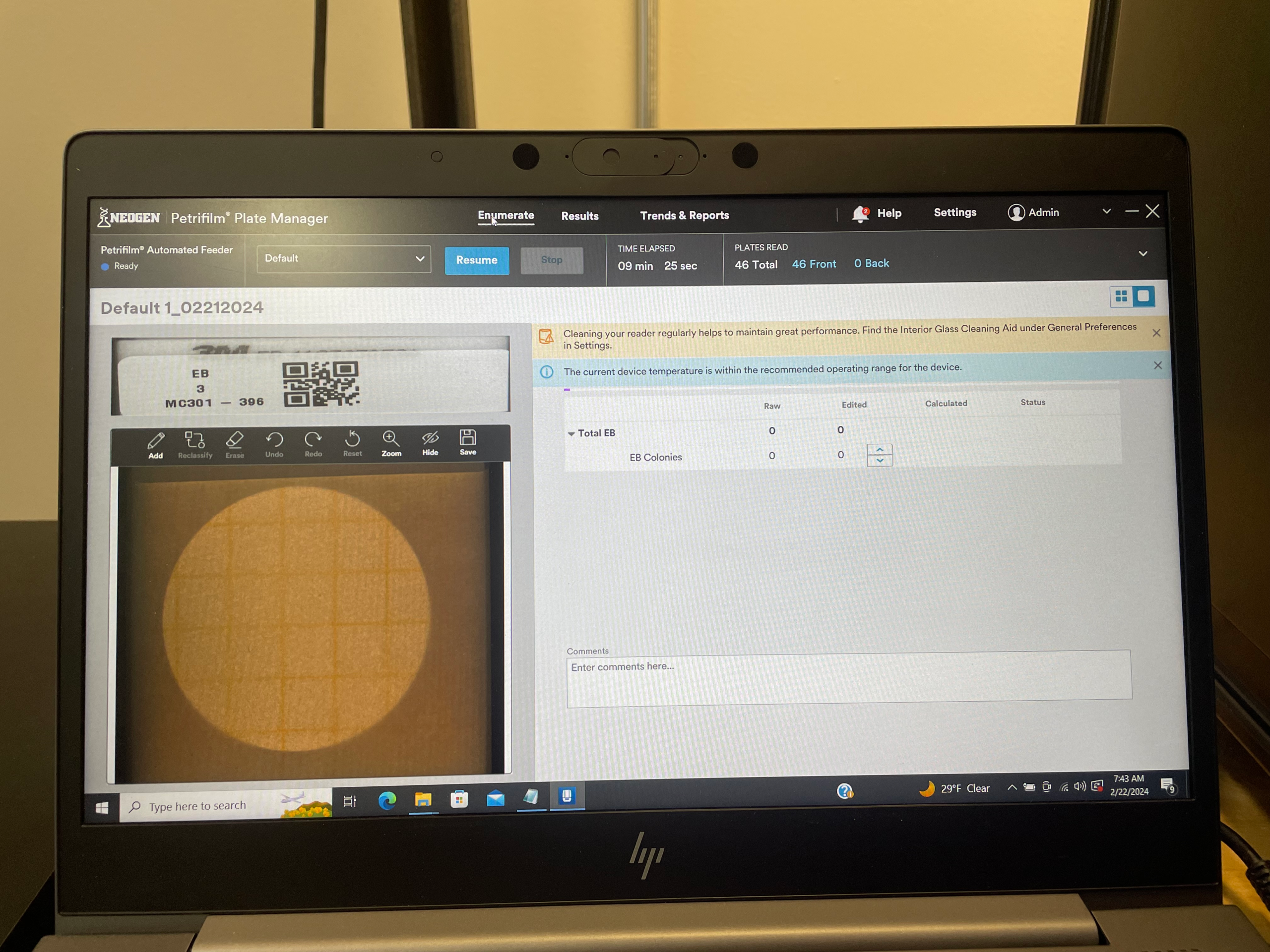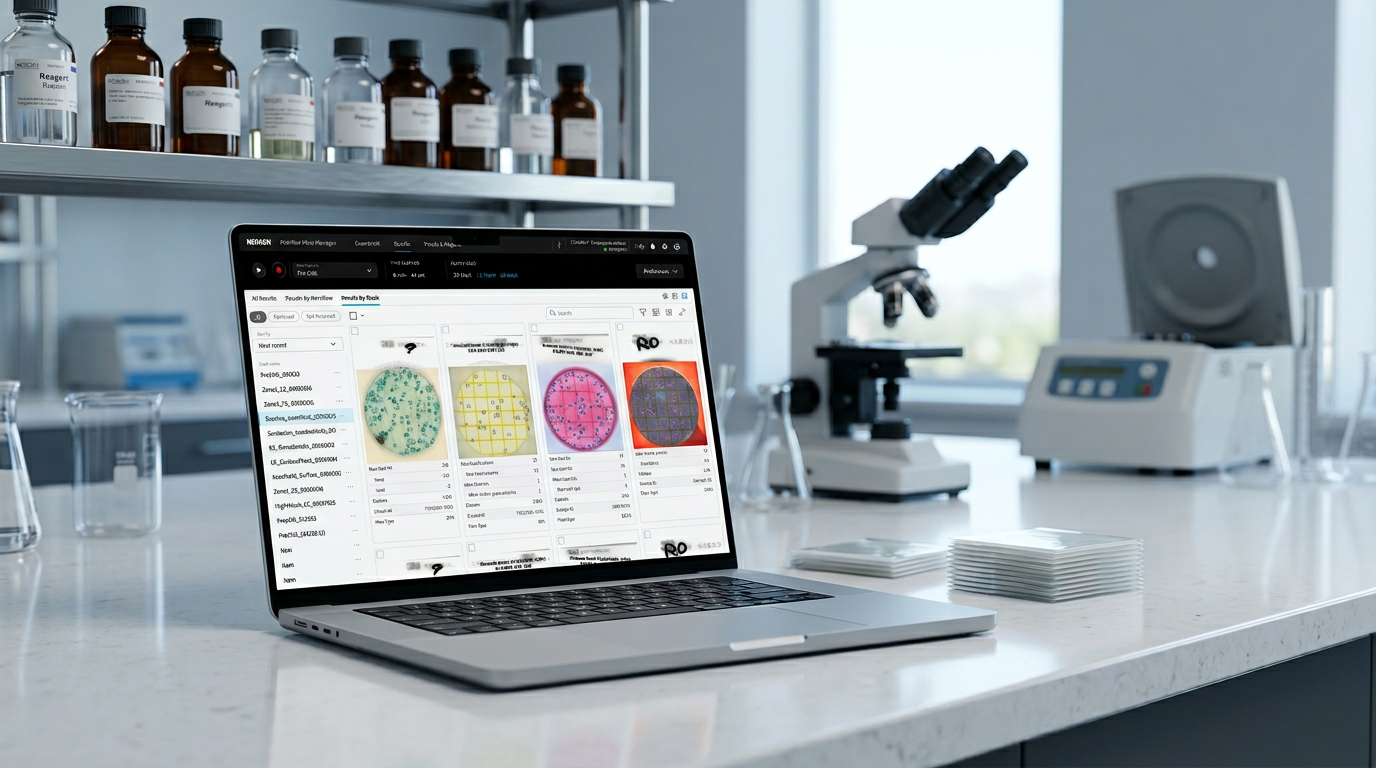
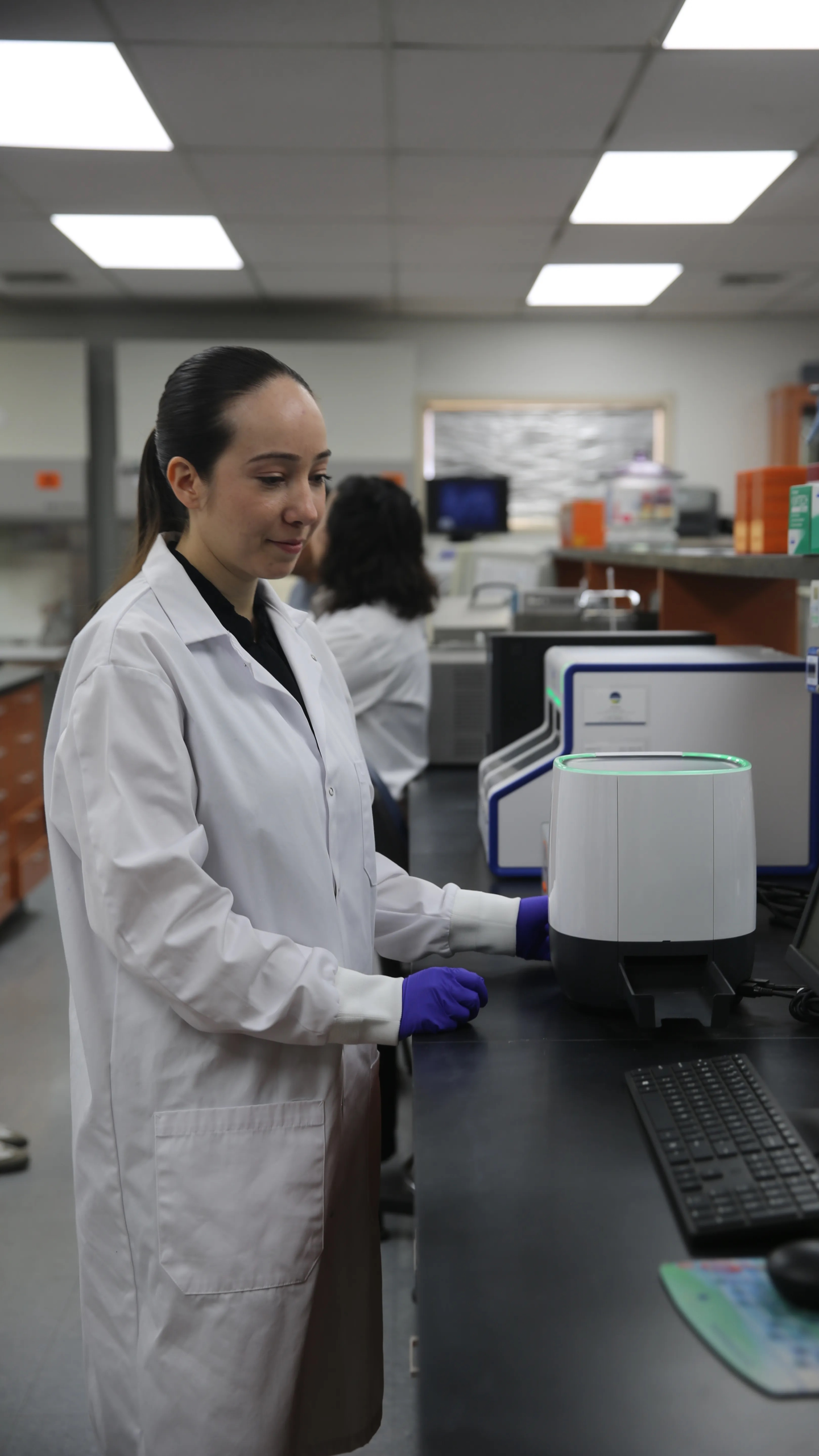

Petrifilm™ Plate Manager

Overview

Company

Product

Role

Year

Platform

Problem statement

Objective

How I contributed

Process

Target audience

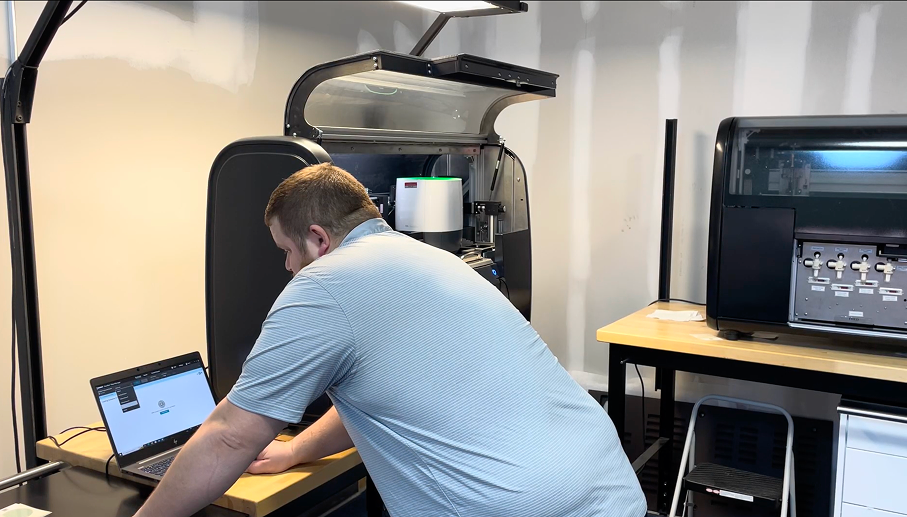
Lab tech in working environment

Proto-Persona 01 — Jason Pemberton
Woman looking through a microscope in a laboratory

Proto-Persona 01

Jason Pemberton

Microbiology Lab Technician

100–300 Samples / Day
Petrifilm Primary Tool
Food Safety Domain
Goals
  • Complete testing efficiently without sacrificing accuracy
  • Reduce repetitive manual data entry
  • Minimize counting and transcription errors
  • Quickly locate historical test results
  • Spend more time on analysis, less on admin
Needs
  • Fast result entry and validation
  • Clear workflows with minimal clicks
  • Automated result capture where possible
  • Confidence that data is accurate and traceable
  • Easy access to previous samples and test records
Pain Points
  • Manual colony counting is time consuming
  • Recording results across multiple systems creates duplicate work
  • Handwritten notes can be difficult to track later
  • Switching between spreadsheets and lab software interrupts workflow
  • High sample volume increases risk of mistakes
Success Looks Like
  • Results entered once and available everywhere needed
  • Sample information automatically linked to test results
  • Less time spent on documentation and reporting
  • Fewer transcription errors across the full workflow
Food Safety Platform — UX Research 2023 Proto-Persona 01 / Jason Pemberton / Lab Technician
Proto-Persona 02 — Shannon Anderson
Professional in a laboratory management setting

Proto-Persona 02

Shannon Anderson

Food Safety Laboratory Manager

Lab Ops Primary Role
QA / Compliance Focus Area
Food Safety Domain
Goals
  • Increase laboratory throughput
  • Reduce operational risk
  • Maintain compliance and audit readiness
  • Improve staff productivity
  • Standardize processes across technicians
Needs
  • Visibility into testing volumes and performance
  • Reliable and traceable data management
  • Automated reporting capabilities
  • Reduced dependence on manual workflows
  • Integration with existing laboratory systems
Pain Points
  • Manual processes limit scalability
  • Inconsistent data entry creates quality concerns
  • Difficult to identify trends across testing programs
  • High labor costs associated with repetitive tasks
  • Training new technicians requires significant effort
Success Looks Like
  • More samples processed with the same staff
  • Faster turnaround times
  • Consistent results across technicians
  • Easier audit preparation
  • Data that supports operational decisions
Food Safety Platform — UX Research 2023 Proto-Persona 02 / Shannon Anderson / Lab Manager

Guerilla user testing

of participants

Initially had trouble loading plates and need help getting started.

High Barrier to Entry: Nearly 4 out of 5 users struggle with the physical action of loading plates and require initial guidance.

Create an onboarding walkthrough for plate loading to get users started

of participants

Will need tech-support for Laboratory Information Management System (LIMS) integration.

Technical Integration Gap: Half of the participants cannot integrate with their Laboratory Information Management System (LIMS) independently.

Standardize LIMS with self-service configuration wizard (out of scope)

of participants

Are currently adding barcode labels to each plate manually.

Manual Inefficiency: Half of the users are still manually labeling barcodes.

Automated barcode generation (out of scope)

Core pain points

Inconsistent workflow & manual setup
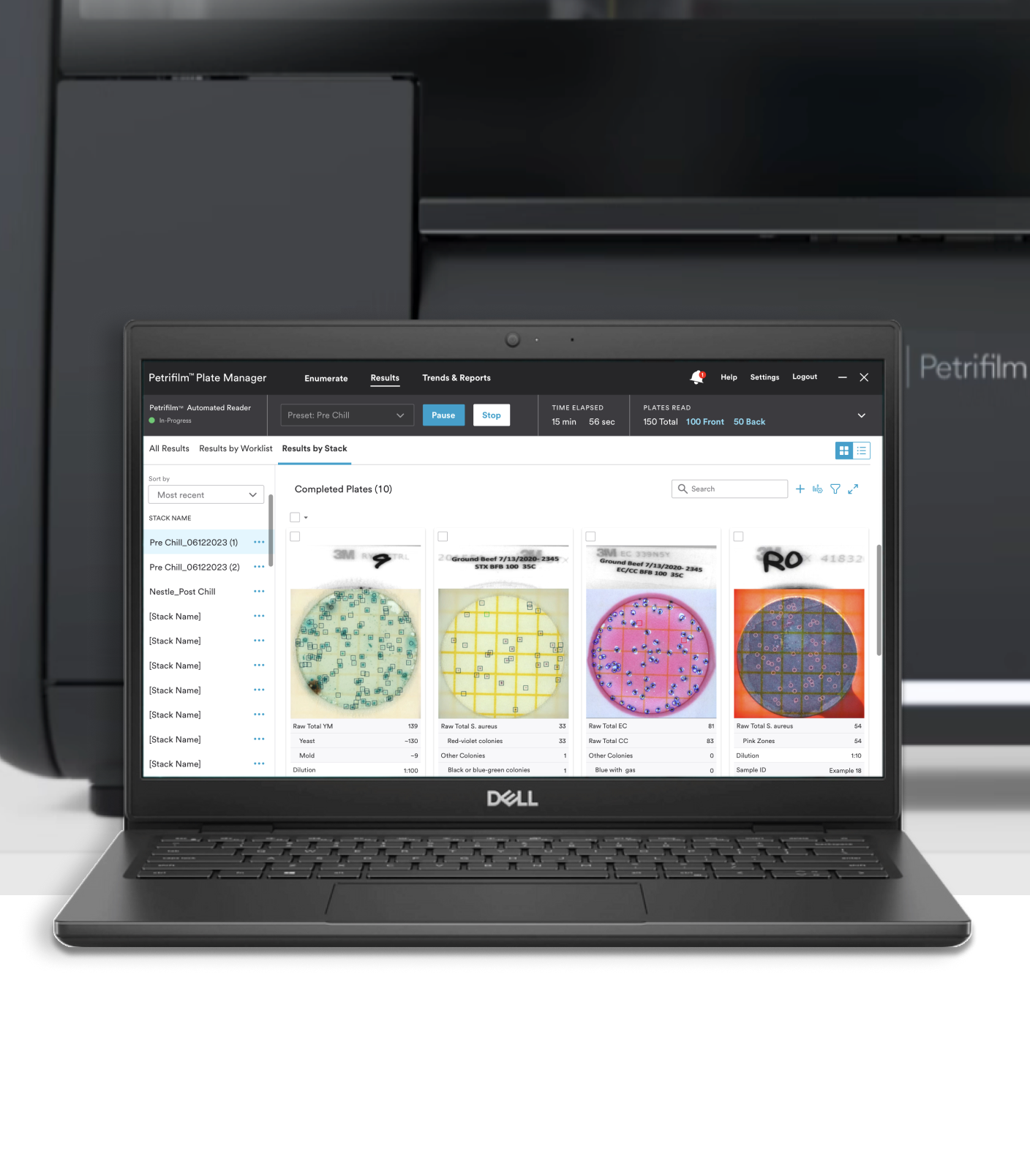
Inconsistency in how tests are run and recorded can cause errors and lower confidence in results.

Fragile workflow continuity
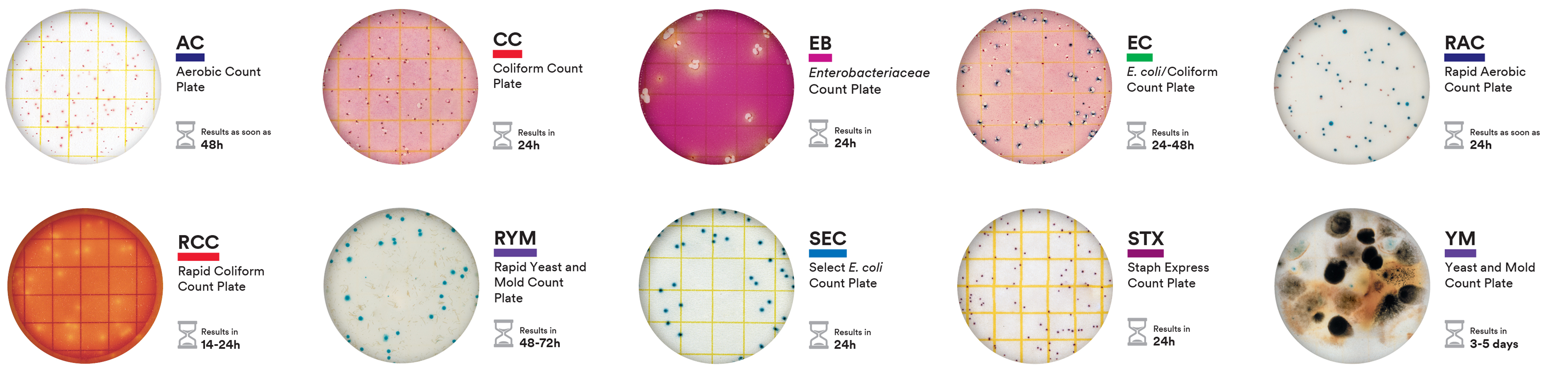
Without clear recovery paths or visibility, technicians are forced to restart or guess at fixes.

Ambiguous results

A lack of contextual information makes it difficult for technicians to interpret results accurately or feel certain that a task is complete.

Fragile workflow continuity — technicians described ‘starting over’ as a default recovery strategy because there were no in-app checkpoints or clear error explanations.
Pain Point → Design Goal Mapping

Pain point

Inconsistent workflow & manual setup
Design goal

Efficiency & standardization

Guided workflows

Pain point

Fragile workflow continuity

Design goal

Operational resilience

Error & recovery handling

Pain point

Ambiguous results

Design goal

Informed completion

Review & validate results

Design goals

1

Efficiency and Standardization

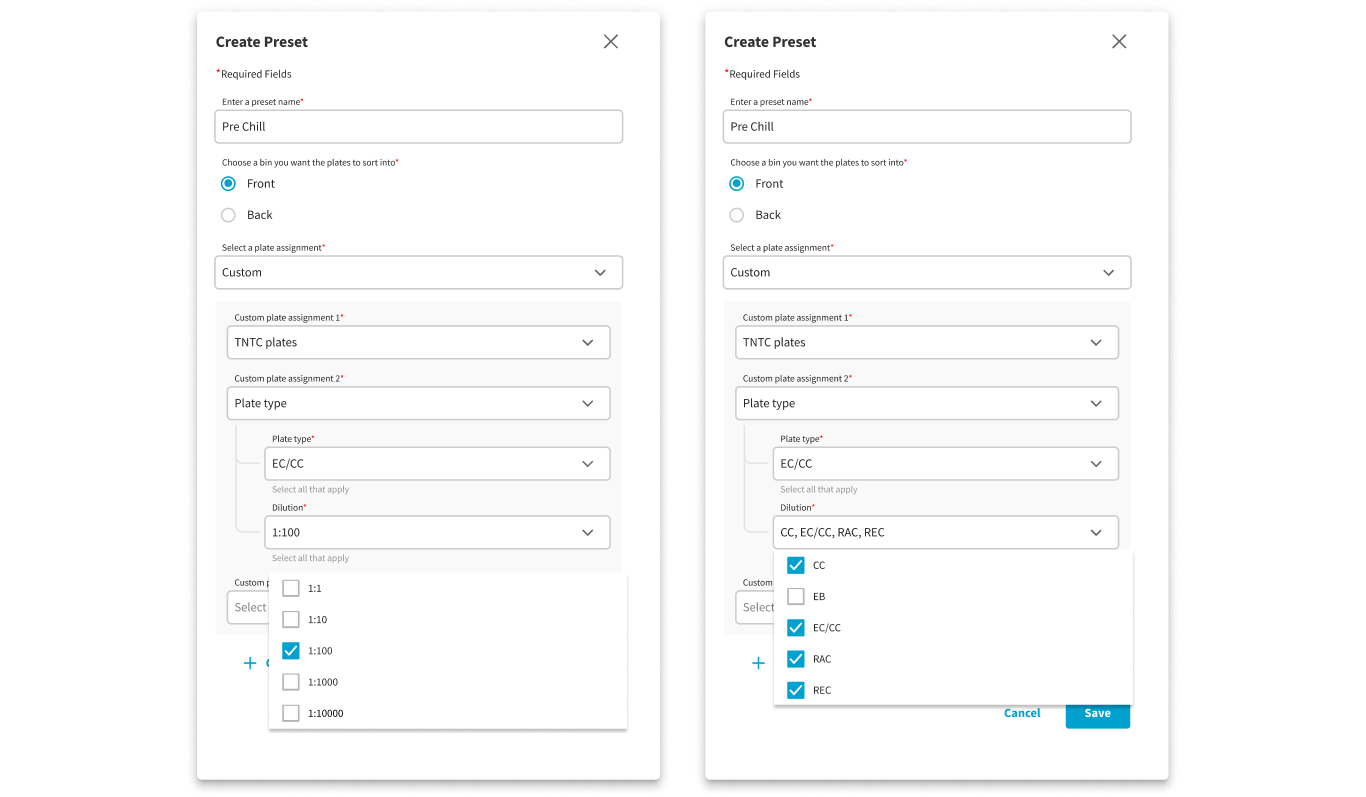
Minimize manual configuration by utilizing presets and automated inputs. This ensures high-volume processing stays consistent across all technicians, regardless of experience level.

Guided workflows

2

Operational Resilience

Eliminate workflow fragility by allowing users to pause and resume tasks without data loss. Provide clear, actionable feedback that empowers technicians to resolve errors independently and stay on the 'happy path'.

Error & Recovery handling

3

Informed Completion

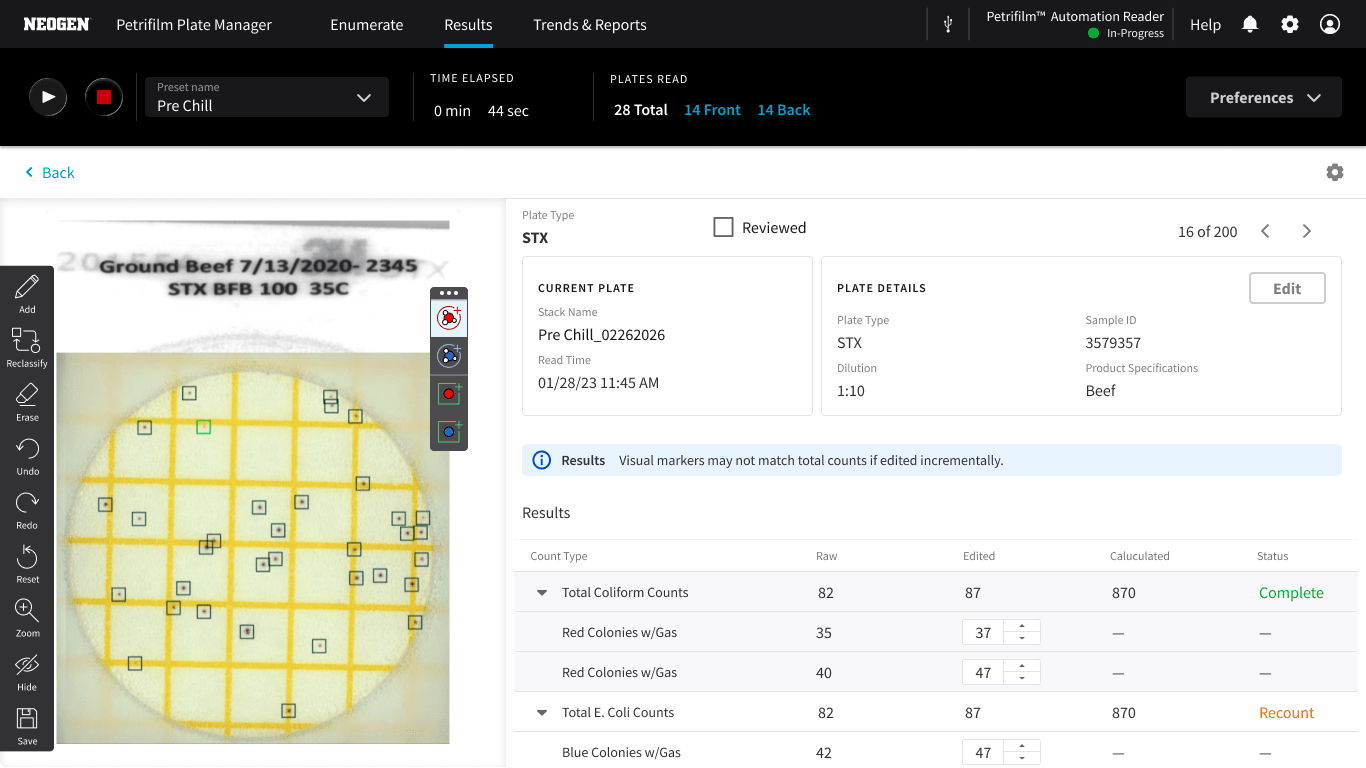
Prioritize critical information at the point of need to reduce cognitive load. By surfacing only what is relevant to the current task, we ensure high confidence in final validation and successful completion.

Review & Validate results

Iterative design

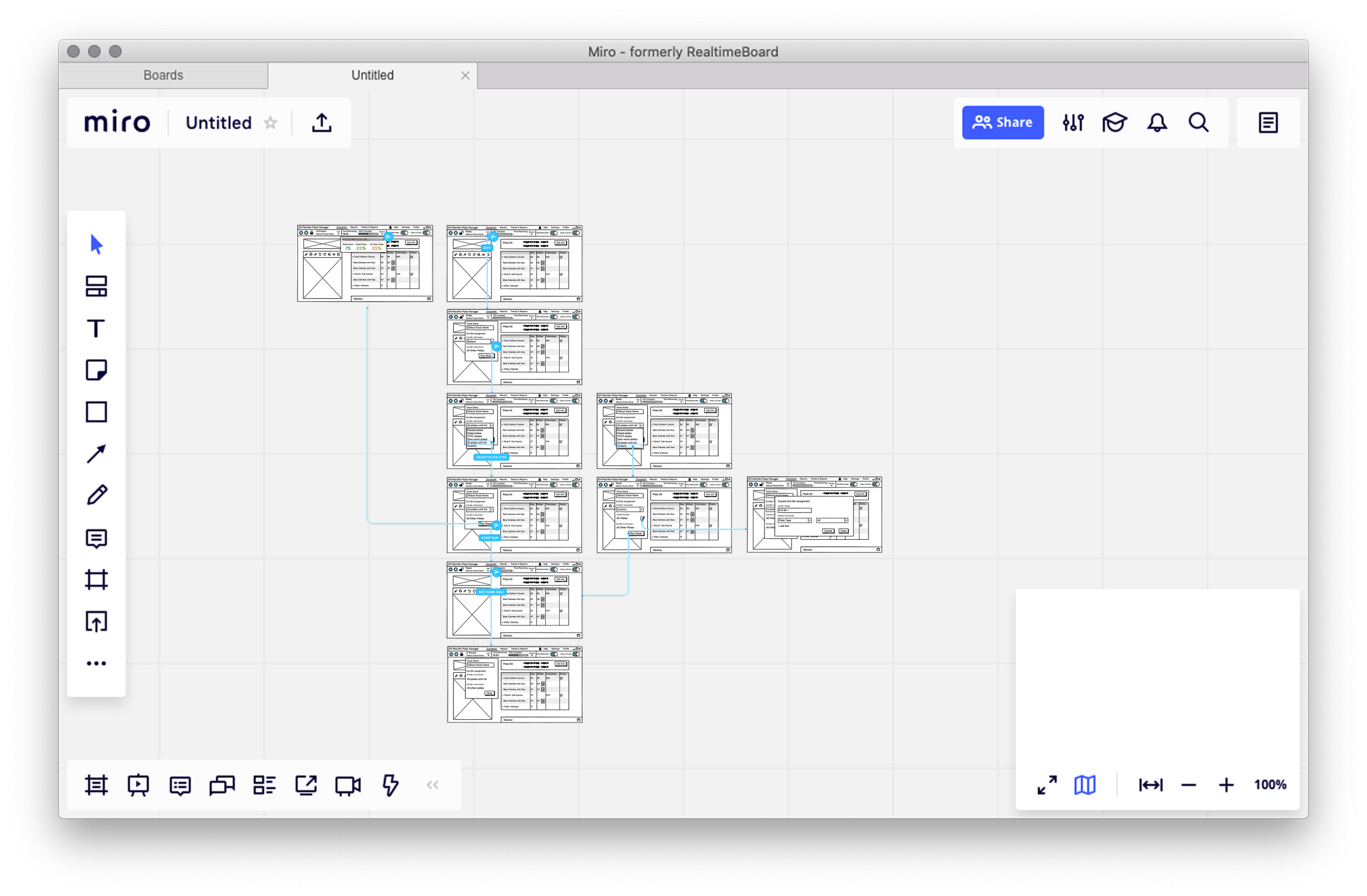
Miro board workshop


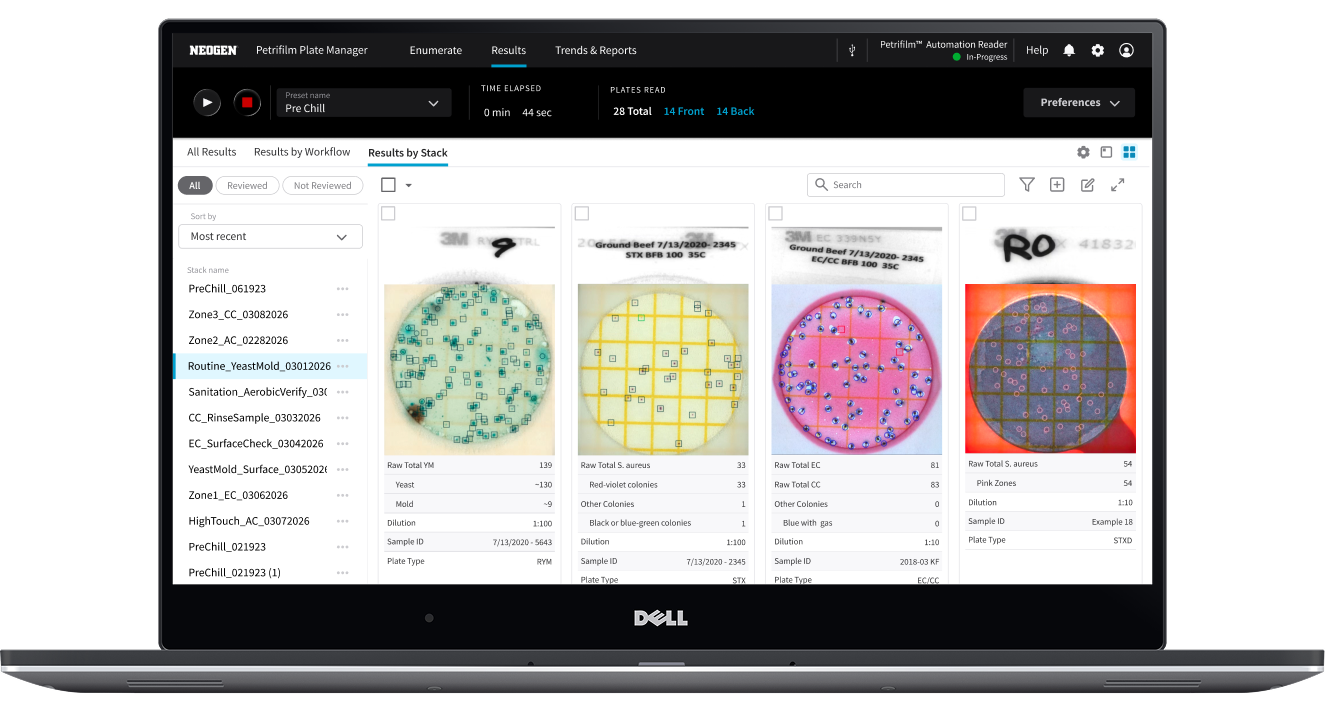
Ideation for showing results by stack
Ideation for user to add more plates to the input bin
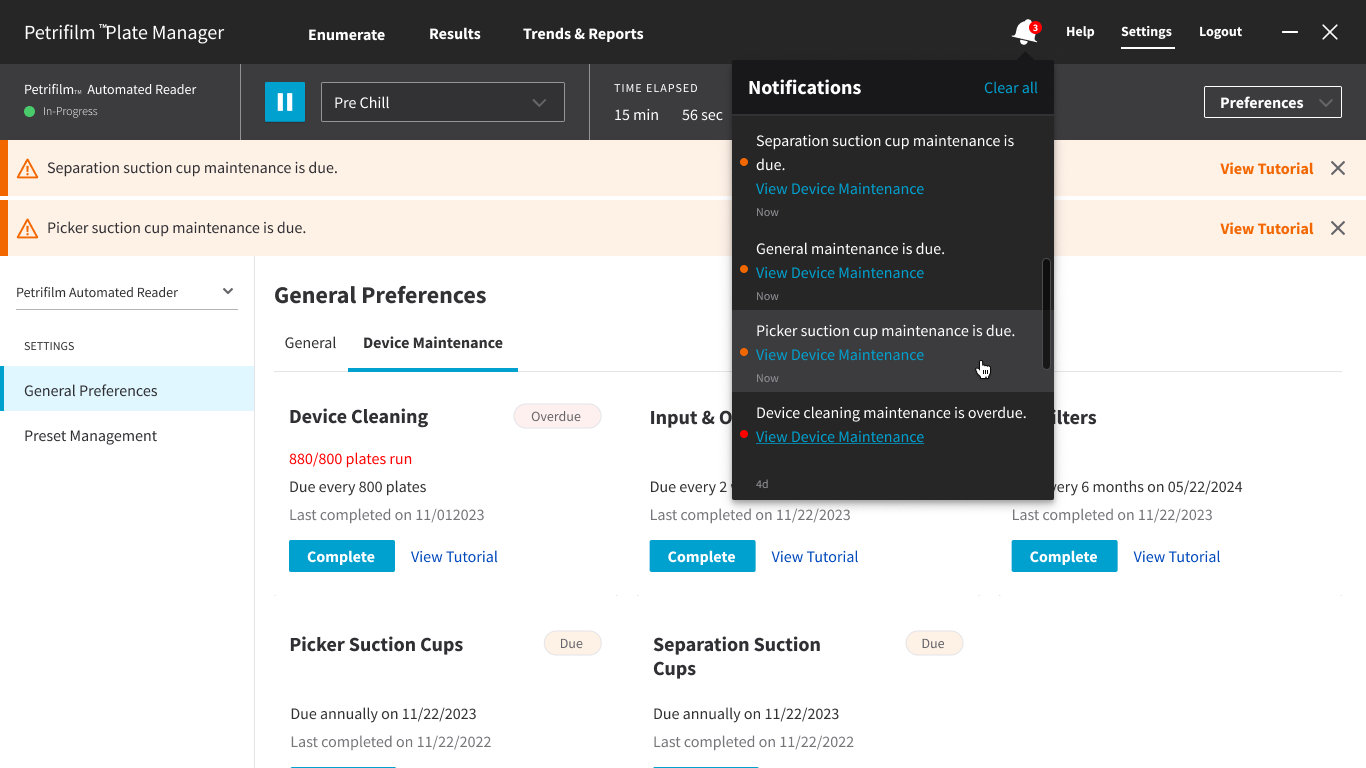
Hardware maintenance workflow
Displaying notifications in more than one place

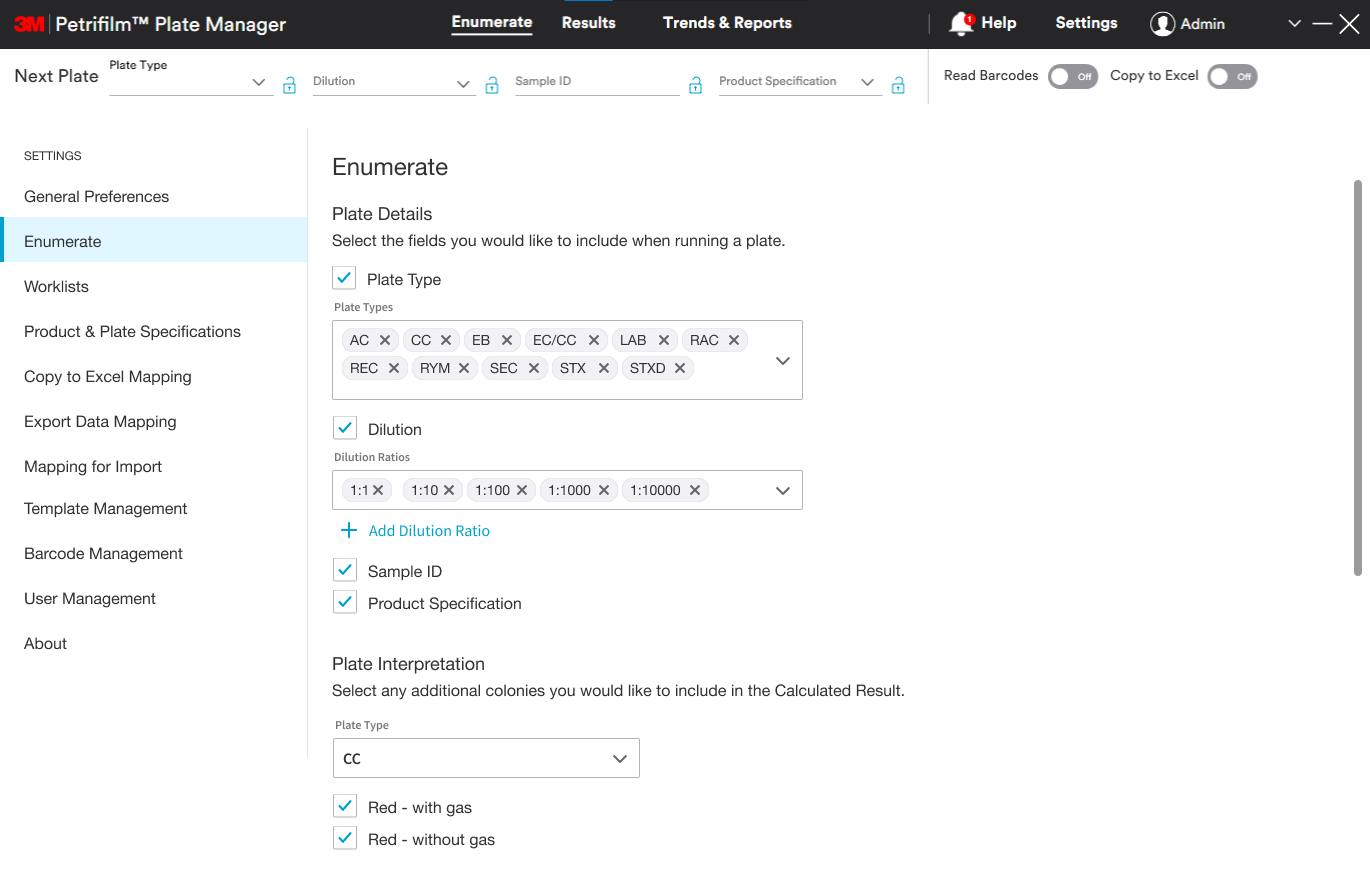
New plate manager UI | Legacy plate manager software

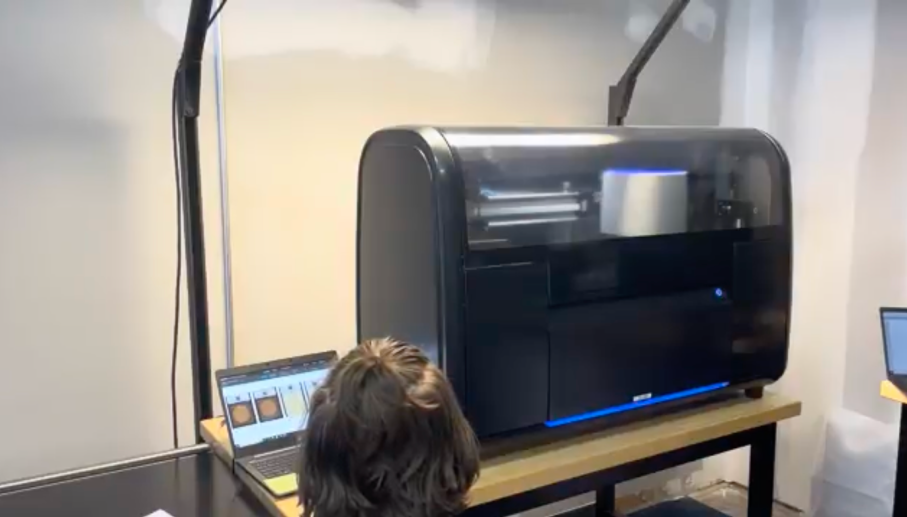
User Acceptance Testing (UAT)

Session takeaways

1

Initiate plate runs

Fast setup with minimal input

Observations

  • Users need a more explicit first action or system prompt—unclear starting cues increase cognitive load on entry.

50% of users needed help to get started despite the system being ready.

2

Review results

Clear outputs with high confidence

Observations

  • Plate images and details could be larger or zoomable to support quick identification.
  • The system should explicitly display to users all incomplete plates instead of requiring guesswork.

33% of participants encountered unexpected system errors during result review.

3

Handle exceptions

Resolve issues without breaking workflow

Observations

  • The system should diagnose device maintenance by providing clear next steps to prevent workflow interruption.
  • Key transition points require guidance to support continuous workflow.
  • Exception handling should reduce cognitive load for technicians.

100% of participants struggled to locate the correct plates when handling exceptions.

4

Continue batch processing

Support uninterrupted, high-volume processing

Observations

  • Users need clear guidance to continue processing plates.

100% of participants hesitated or were unsure how to respond when the input bin is empty.

5

Respond to notifications

Surface issues without disrupting focus

Observations

  • Display actionable next steps to reduce reliance on tech support.
  • Users require contextualized errors to reduce confusion and improve trust in the system.

100% of participants experienced workflow interruptions when errors occurred.

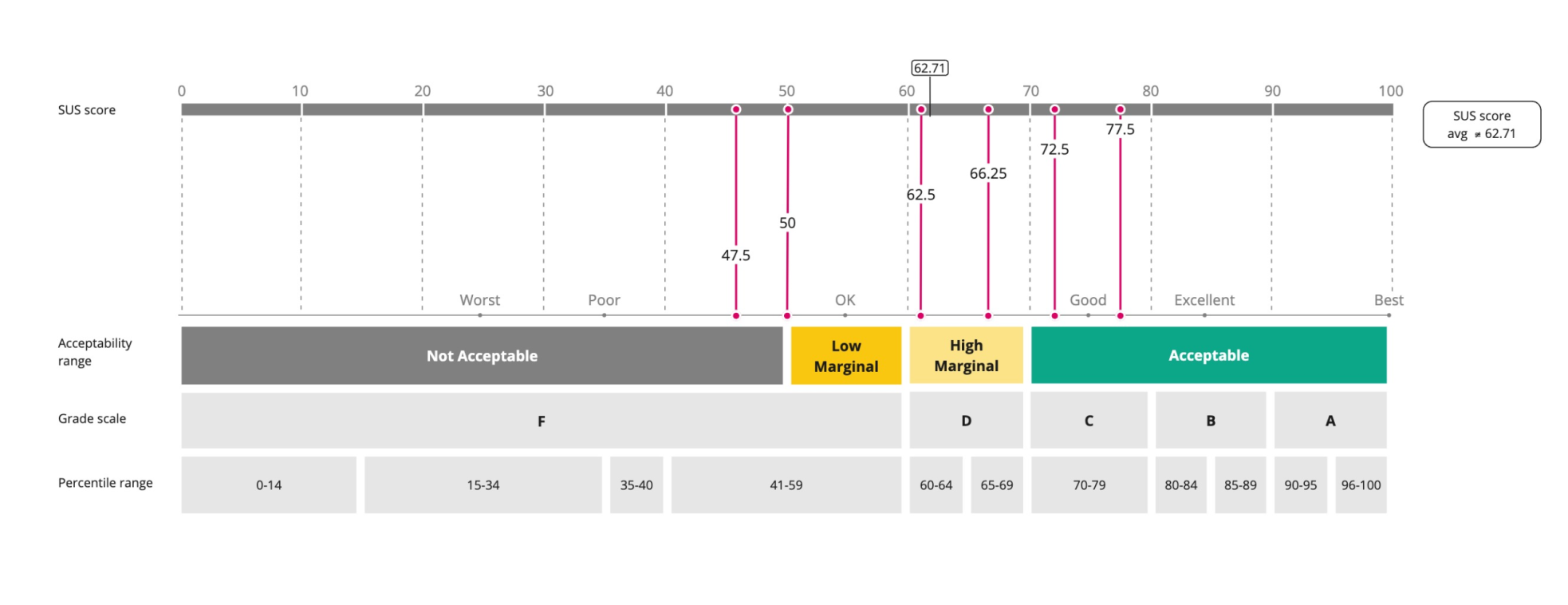
System Usability Scale Score (SUS)

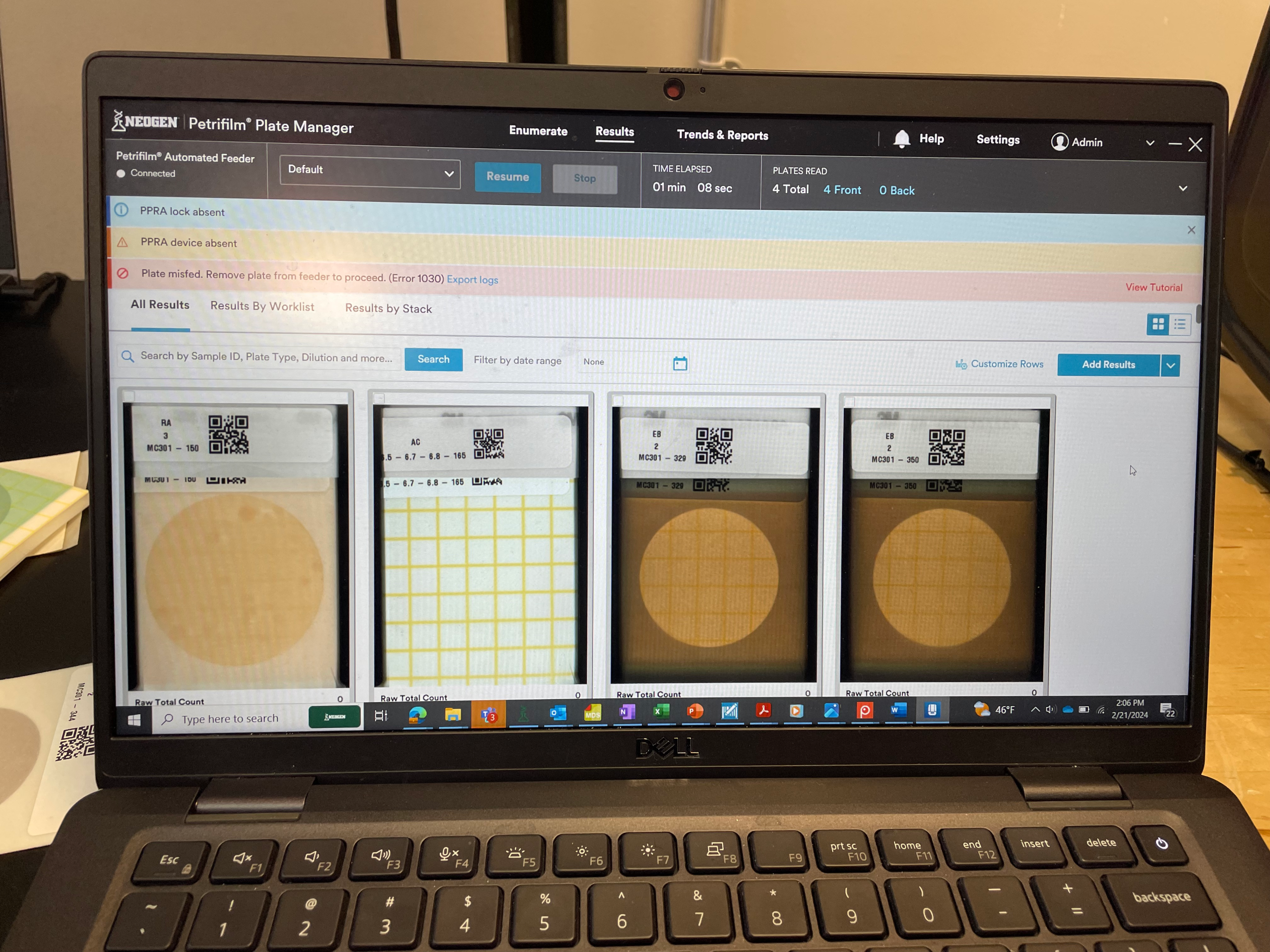
Software showing error state and banner
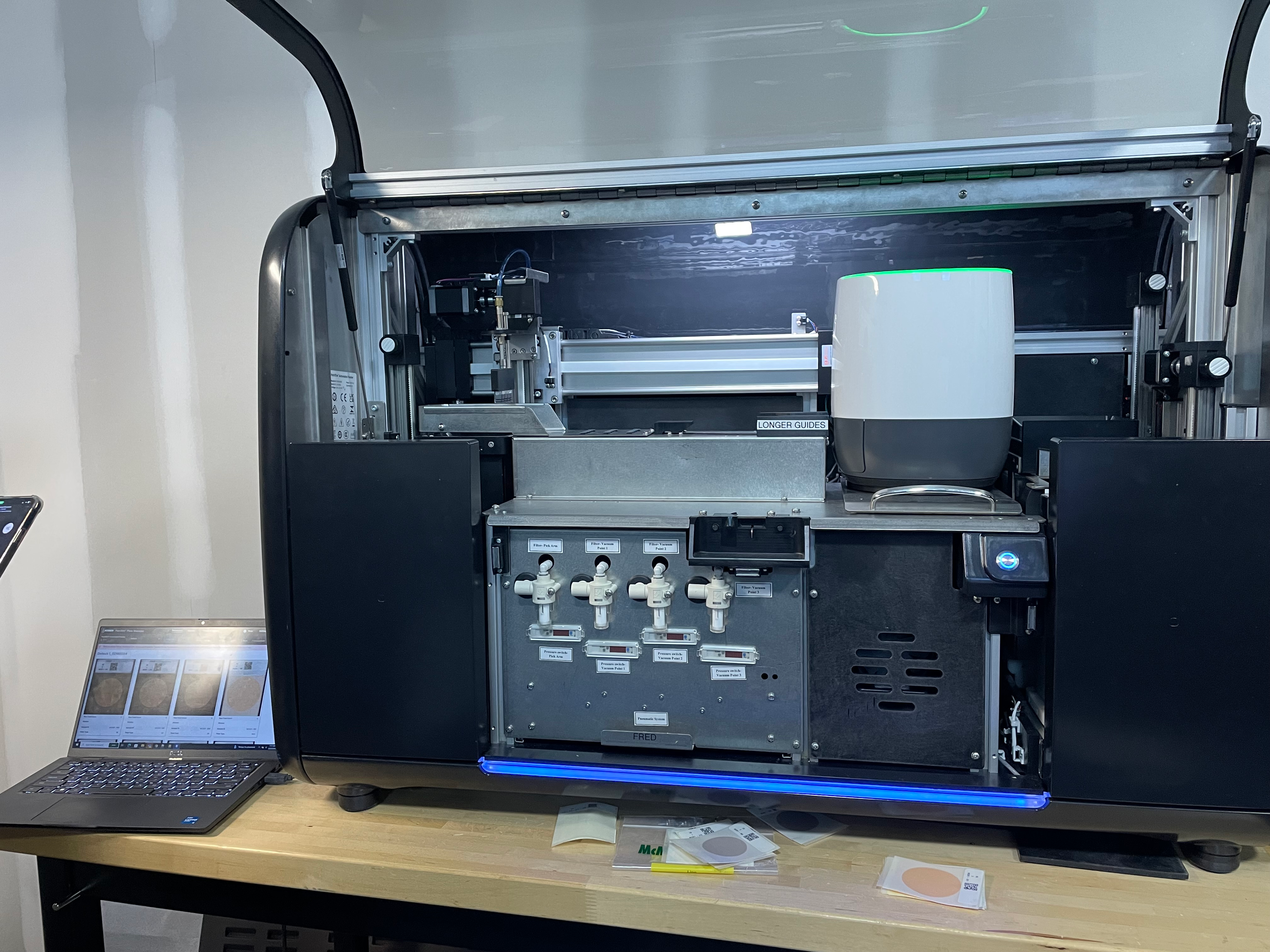
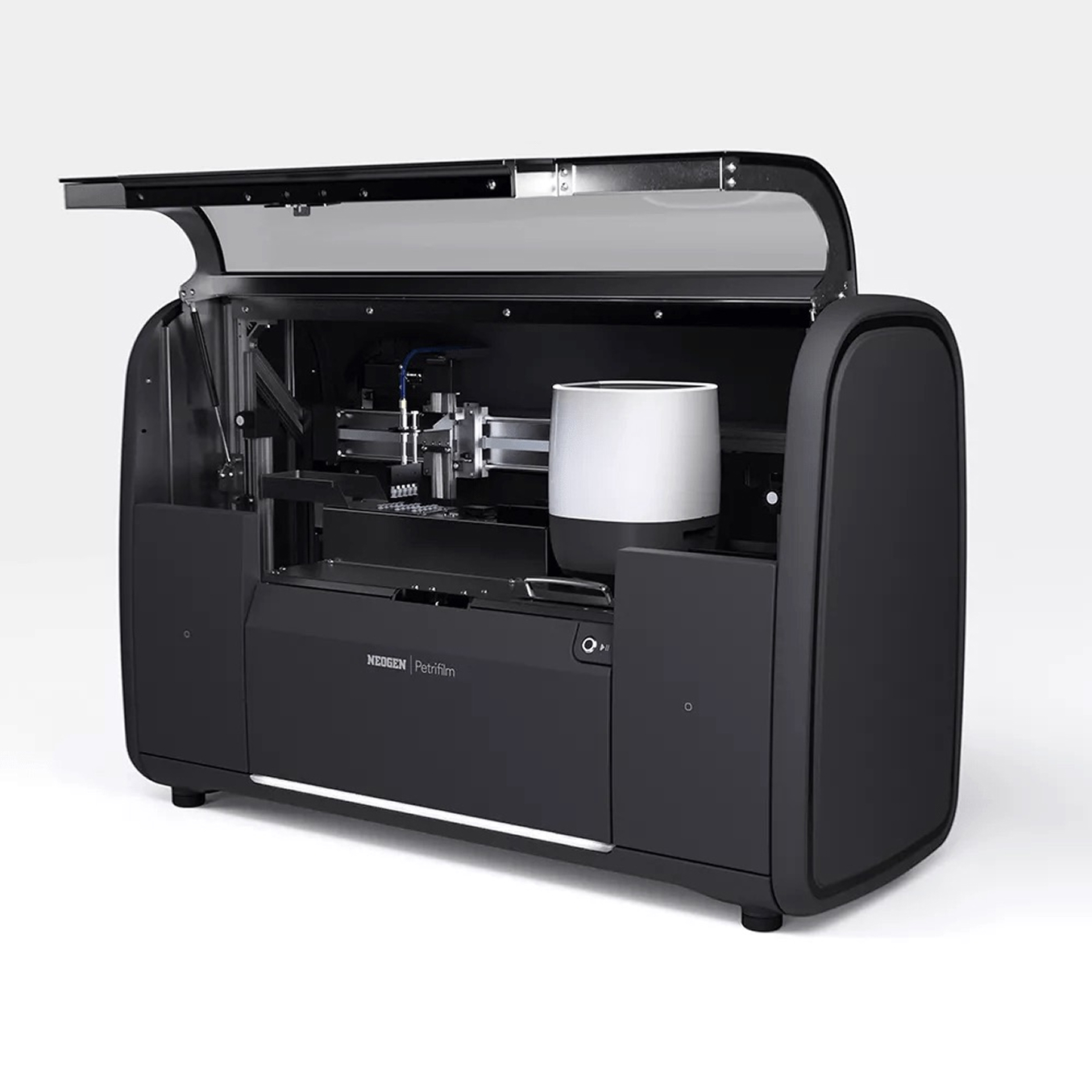
Hardware showing mismatched ready states
Mismatched status colors
Error modal message lacks guidance
Unexpected modal stopped the workflow
Multiple toast types, only some auto-dismiss
Modal won't dismiss and wrong toast behavior
Inconsistent toast banners
Preset name displayed at wrong time
System displayed wrong default UI

A walk-away solution