
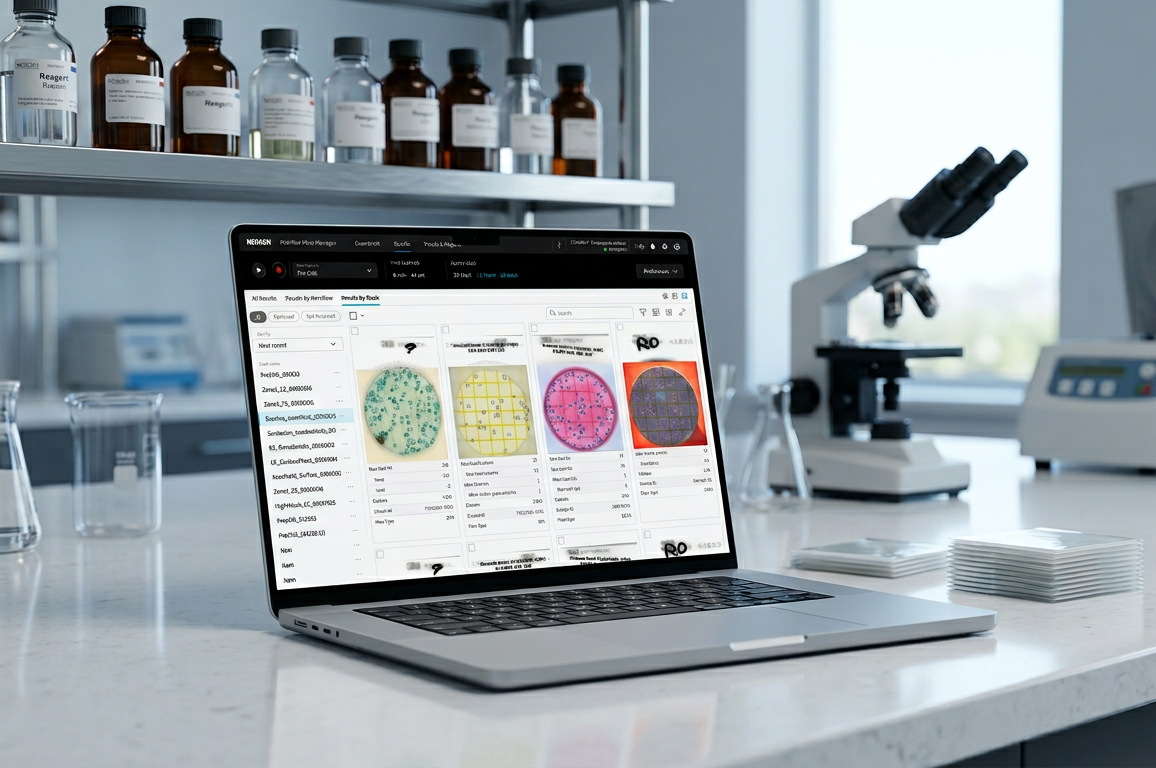
A software experience that supports high-throughput food-safety laboratories in reading, reviewing, and documenting microbial testing results.
How I contributed
Responsible for research, workflow mapping, status and error patterns, prototyping, validation testing, design system and component library, stakeholder alignment and final delivery
Company
Neogen (formerly 3M)
Product
Petrifilm™ Plate Manager
Role
UX Design Lead
Year
2022-2024
Platform
Desktop PC application
Technicians should not need to continuously watch the system. The experience must make batch status, sample identity, and exceptions visible at a glance.
Themes ⟶ design response
Cross-device status inconsistency
2 issues
PPRA showed green, R5 blue, software red — three conflicting states. The error couldn’t be dismissed, blocking the user. Boot state isn’t reflected in software either.
Design Solution
Unify status language across PPRA, R5 & software — every device state maps to one shared meaning. Errors are always dismissible.
Error handling that blocks progress
4 issues
Non-dismissible errors; technical codes with no guidance; hardware/software state desync; toasts interrupting mid-task.
Design Solution
Every error includes a recovery path. Replace codes with plain-language next steps. Sync device & software state. Route notifications to transition points.
Broken interaction patterns
4 issues
Inconsistent toast sizing; grid scroll only via scrollbar; default preset ignores user type; wrong default view on R5.
Design Solution
Tighten the component library. Fix scroll to native behavior. Zero-state for new users and recall last preset. Default R5 to grid view.
Theme 1
2 issues:
-
Suction cup failure: PPRA showed green, R5 showed blue, software showed red — three conflicting states with no shared meaning. The error could not be dismissed, blocking the user entirely.


-
Boot state not reflected in software: Boot state not reflected in software: During startup, PPRA and R5 both show blue but software shows a generic connected state in white — not indicating the PPRA is still booting. Users have no visibility into whether the system is ready to use.

Theme 2
4 issues:
-
Non-dismissible error state: A suction cup failure produced an error in software that could not be cleared, leaving users with no path forward.

-
Unfriendly modal messaging: A software failure surfaced a technical error code with no actionable guidance. A secondary dialog interrupted the flow mid-task without clear context.

-
PAF vacuum sensor failure (R5 only): Error dialog asked users to check the device, but hardware and software states were not synchronized — not enough context to act with confidence.

-
Toast banners surfacing at wrong moments: Notifications appeared during active work rather than at natural transition points, competing with task-critical information.

Theme 3
4 issues:
-
Inconsistent error toast sizing: Toasts appeared at different sizes within the same session — signals design system gaps and erodes trust.

-
Grid view scroll broken: Scrolling only worked when the scrollbar itself was directly selected. Users could not scroll the page naturally, blocking them from browsing multi-plate results.

- Default preset logic ignores user type: New users saw a pre-selected preset instead of a zero state. Returning users did not see their last-used preset. Stack names were auto-generated before a preset was chosen, creating data artifacts before the user made any intentional choices.

-
Wrong default view on R5: Software defaulted to single-plate view instead of grid view when connected to R5, mismatching user expectations for multi-plate workflows.

To view full case study please reach out to me
